

Download SoundWire Free – Audio Streaming, Remote Speaker, PC to Android, Music Streaming, Free Software
Overview
SoundWire Free is a desktop and mobile application developed by Bharti Airtel Ltd., designed to stream audio from a PC to an Android device over a local network or the Internet. The software enables users to transform their Android phone or tablet into a remote speaker, allowing seamless playback of music, movies, and other audio content from a computer. This functionality is particularly useful for home entertainment setups, where users want to enjoy media from their PC in different rooms without being tethered to the computer.
By leveraging the Audio Stream Protocol (ASP), SoundWire Free establishes a direct audio connection between devices, delivering audio in real time with minimal latency. The application supports both Windows and Linux operating systems, making it accessible to a broad user base. It is especially suited for individuals seeking a simple, ad-free solution for wireless audio streaming without relying on proprietary ecosystems like AirPlay or Chromecast.
The software is designed with ease of use in mind, featuring a minimal interface that requires no complex configuration for basic operation. It is ideal for casual users, remote workers, and home media enthusiasts who need a lightweight, reliable tool for audio redirection. While the developer did not provide additional system requirements, the application is described as lightweight and efficient, with low resource consumption.
Key Features & Capabilities
- Wireless Audio Streaming – Enables real-time audio transmission from a PC to an Android device over Wi-Fi or the Internet.
- Remote Speaker Functionality – Turns any Android device into a portable speaker for computer audio, ideal for multi-room setups.
- Support for Multiple Audio Formats – Compatible with common audio file types, ensuring broad media playback flexibility.
- Local and Internet Connectivity – Works over local networks or remotely via the Internet, with optional configuration for 3G/4G usage.
- Ad-Free and In-App Purchase Free – The free version does not include advertisements or hidden costs.
- Lightweight Design – Consumes minimal system resources and battery, suitable for extended use.
Users can stream music from media players, videos from browsers, or even audio from video conferencing apps. The workflow involves installing the client on the Android device and the server on the PC, then connecting both via the same network or over the Internet. This makes it a practical tool for home entertainment, remote presentations, or sharing audio during collaborative work sessions. The application is designed to maintain audio quality at the desired bit rate, though exact performance metrics were not specified.
User Interface, Workflow & Performance
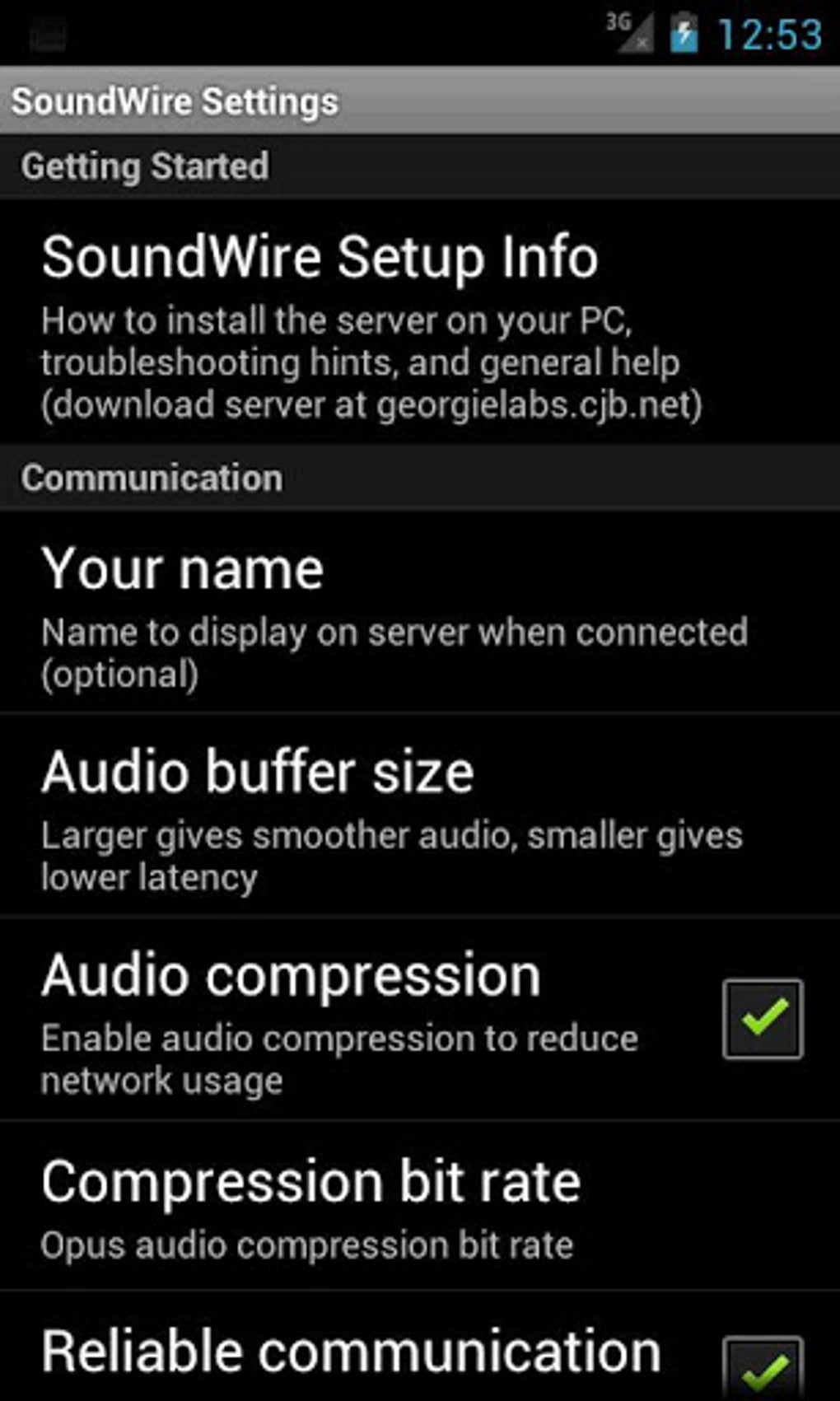
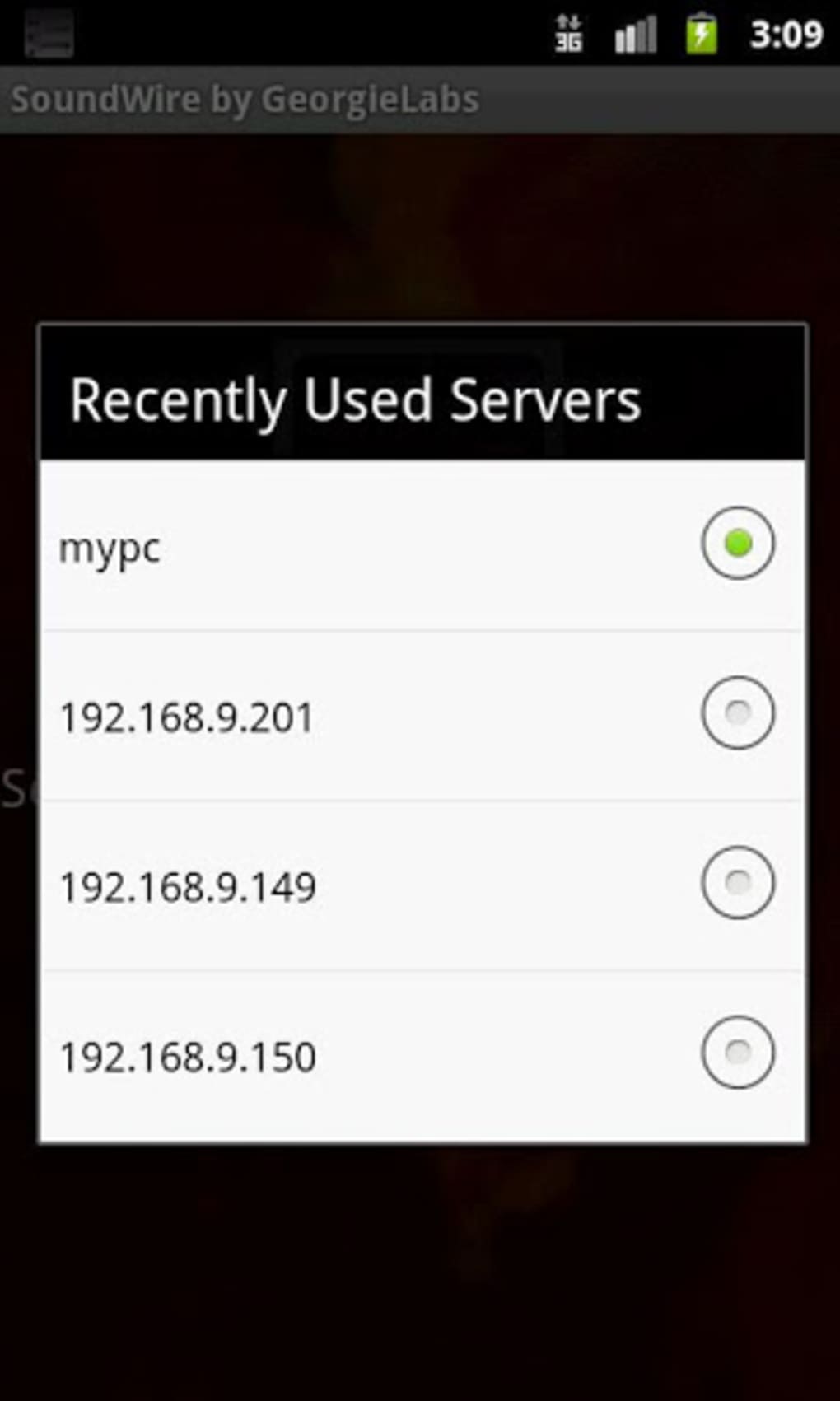
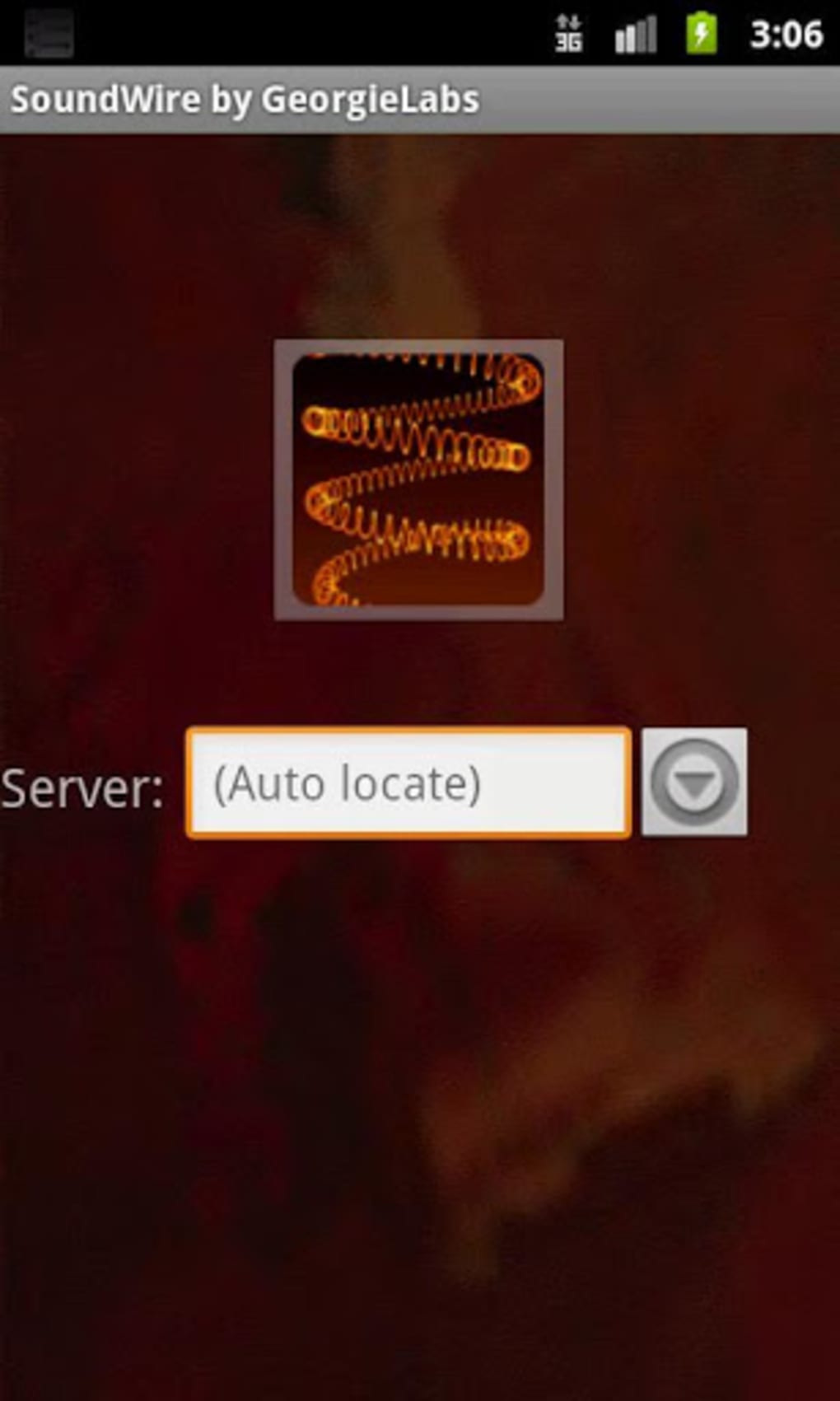
SoundWire Free features a clean, intuitive interface on both the Android client and PC server. The design prioritizes simplicity, with minimal on-screen controls and straightforward connection steps. Users can initiate streaming with a single tap on the Android device after entering the PC’s IP address or selecting it from a device list, depending on network discovery.
Navigating between functions is seamless, and the app does not require extensive training to use effectively. The workflow is optimized for quick setup, making it accessible even to non-technical users. The developer did not specify resource usage details, but the software is described as lightweight and efficient, suggesting low CPU and RAM consumption during operation.
Performance is expected to be stable under normal network conditions, though actual behavior may vary based on network speed and device capabilities. No performance benchmarks or stability reports were provided. General software behavior patterns suggest that the app maintains consistent audio delivery with minimal buffering when connected over a stable Wi-Fi network.
Compatibility & System Requirements
SoundWire Free is compatible with Android devices and supports both Windows and Linux operating systems for the PC server component. The application is available for download on the Google Play Store and the official website. The developer did not specify exact system requirements, including minimum CPU, RAM, or storage needs.
Installation size information was not provided. The app is designed to work over both local networks and the Internet, including remote connections via 3G/4G, though additional network configuration may be required for mobile data usage. Compatibility with most Android devices was stated, and support for common audio formats was confirmed. However, exact device or OS version compatibility details were not listed.
Pros and Cons
Pros
- Free to download and use with no ads or in-app purchases.
- Simple, intuitive interface suitable for non-technical users.
- Supports both local and remote audio streaming over the Internet.
- Lightweight with minimal impact on system resources.
- Compatible with Windows and Linux PCs.
- Works across most Android devices and audio formats.
Cons
- Exact system requirements were not provided.
- Performance details and resource usage were not specified.
- Remote streaming over 3G/4G may require additional network setup.
- Limited information on audio quality or bit rate control.
- No official documentation or user guides were referenced.
FAQ Section
Is SoundWire Free available for both Android and PC?
Yes, SoundWire Free is available for Android devices and supports both Windows and Linux operating systems on the PC side.
Can I use SoundWire Free over the Internet, not just on a local network?
Yes, the application can be used over the Internet, including remote connections. However, additional network configuration may be needed for 3G/4G or non-local setups.
Is SoundWire Free secure?
The application is designed to be secure, with no data stored on the Android device. Audio is streamed in real time without local caching.
Does SoundWire Free require a paid subscription?
No, the software is completely free to download and use, with no ads or in-app purchases.
Can I stream audio from any application on my PC?
Yes, SoundWire Free streams system audio, allowing playback from any application that outputs sound through the default audio device.
Final Thoughts
SoundWire Free offers a straightforward, reliable solution for users seeking to wirelessly stream audio from their PC to an Android device. Its ad-free nature, lightweight design, and support for both local and remote streaming make it a compelling choice for home entertainment, remote work, and casual media sharing. While detailed technical specifications and performance data were not provided, the app’s simplicity and broad compatibility suggest strong usability across diverse environments.
For users looking for a no-frills, free tool to extend their audio output, SoundWire Free delivers on its core promise. It stands out in a crowded market by focusing on essential functionality without unnecessary bloat or monetization. Whether you're moving music between rooms or using your phone as a speaker during a presentation, this software provides a practical and accessible option.
Download SoundWire Free now






.png)
